
Roles & permissions
Owners, providers, front desk and billers see only what their role allows.
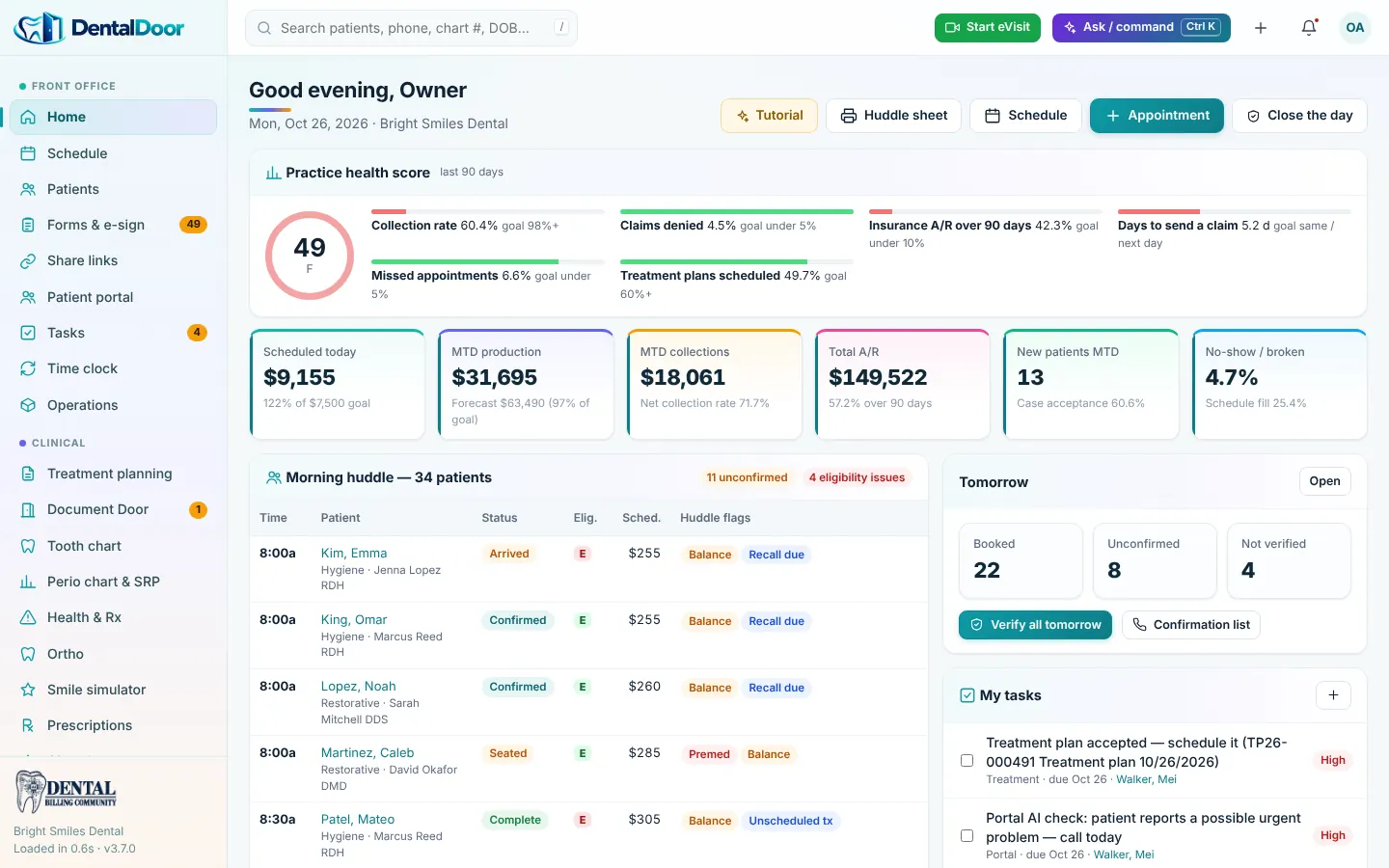
DentalDoor brings the schedule, charts, treatment plans, eligibility, claims, AR, credentialing, documents and the patient portal into one record — and our billing team works inside it with you.
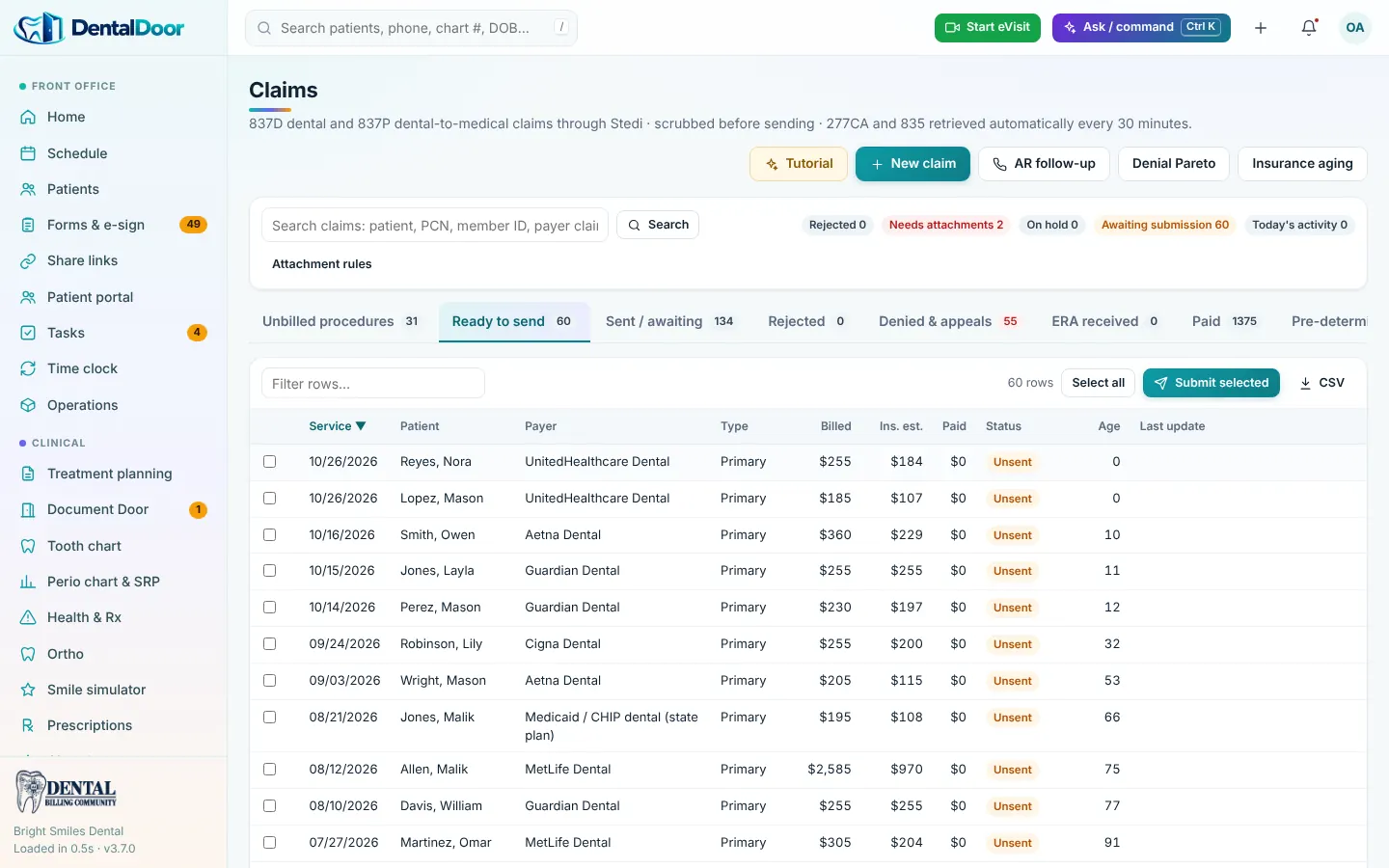
Sixteen connected modules — no add-ons to stitch together.
Day, week and provider views, confirmations, waiting room.
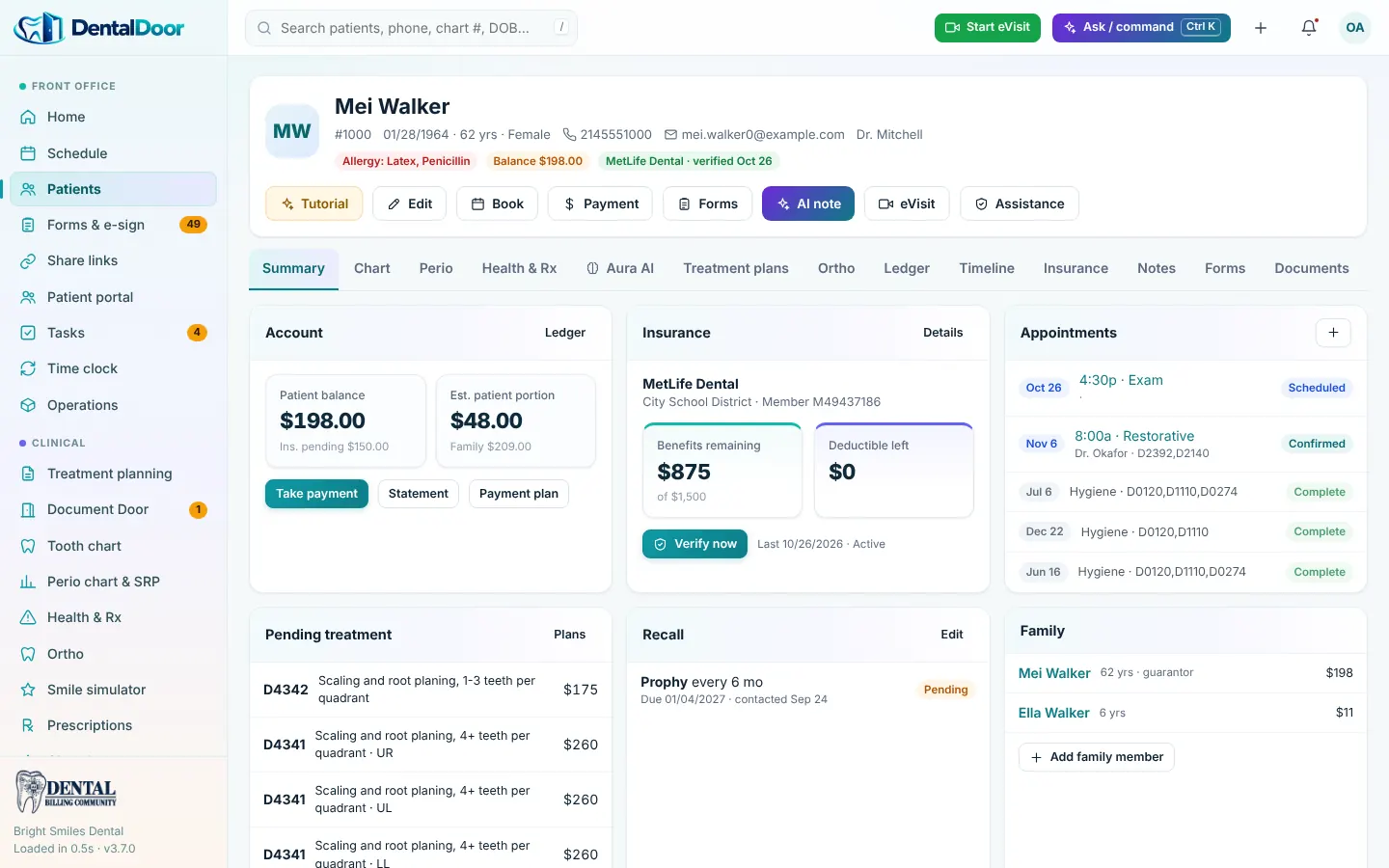
Unique account numbers, family ledgers, guarantors.
Intake, consents and medical history signed online or at the kiosk.
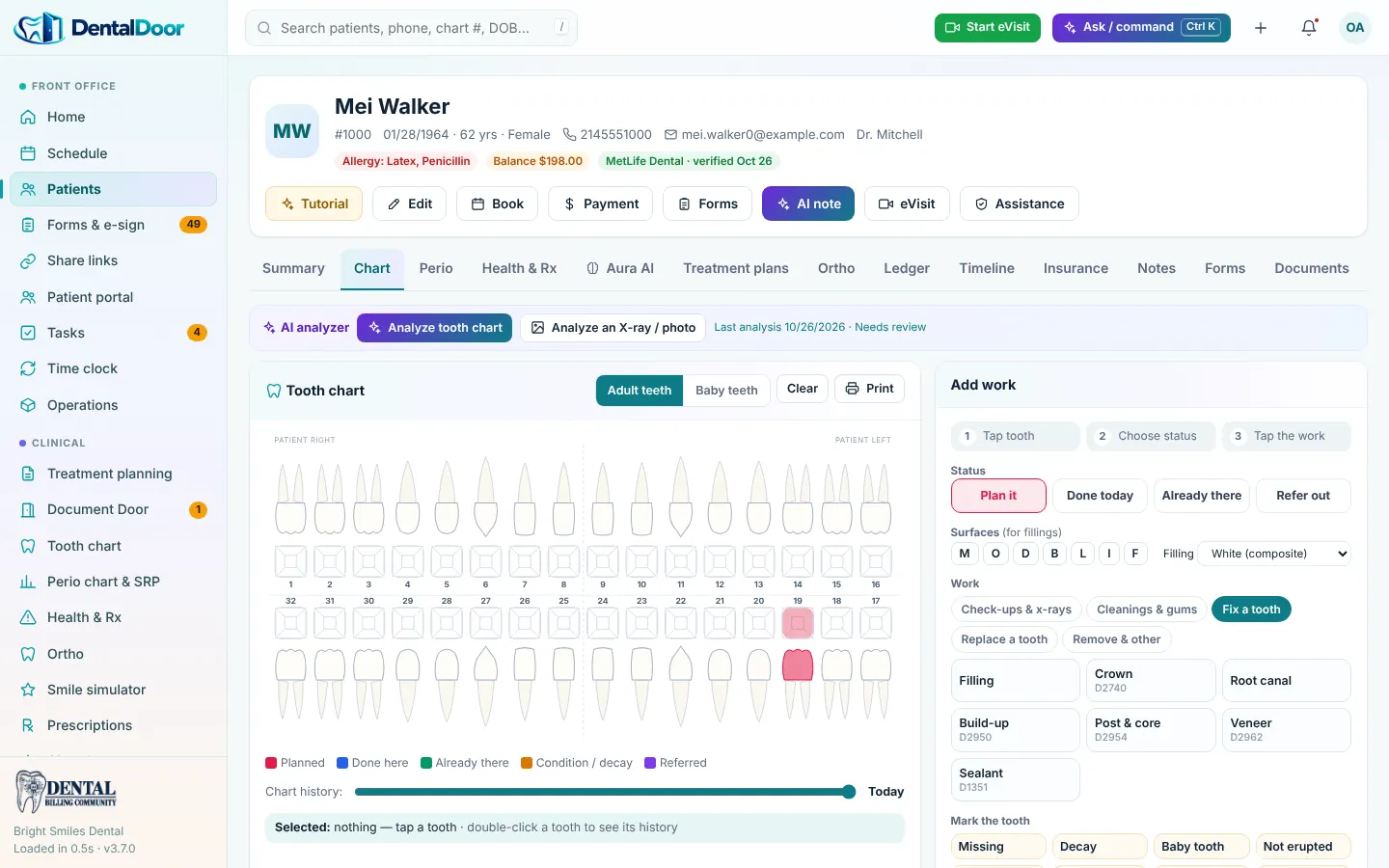
Surfaces, conditions and completed work that become CDT codes.
Six-point charting, comparisons and SRP narratives.
Dental and medical phases, options, PDF and signature.
Allergy and interaction checks, numbered Rx, PDF.
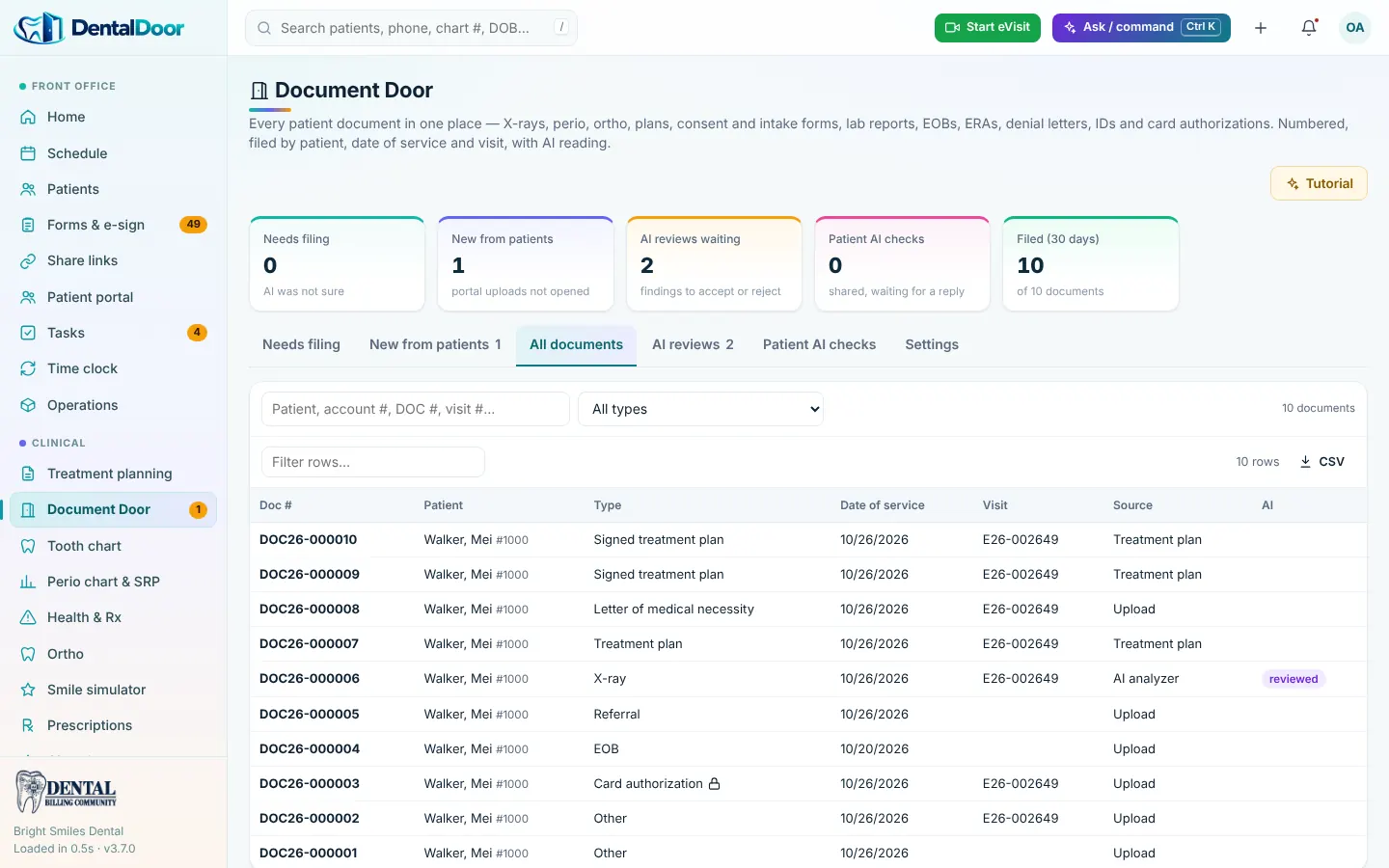
Auto-filed documents with unique numbers and encounters.
X-ray, perio, chart, ortho and lab readings for provider review.
Real-time 270/271 and full benefit breakdowns.
837D / 837P, attachments, narratives, 277CA.
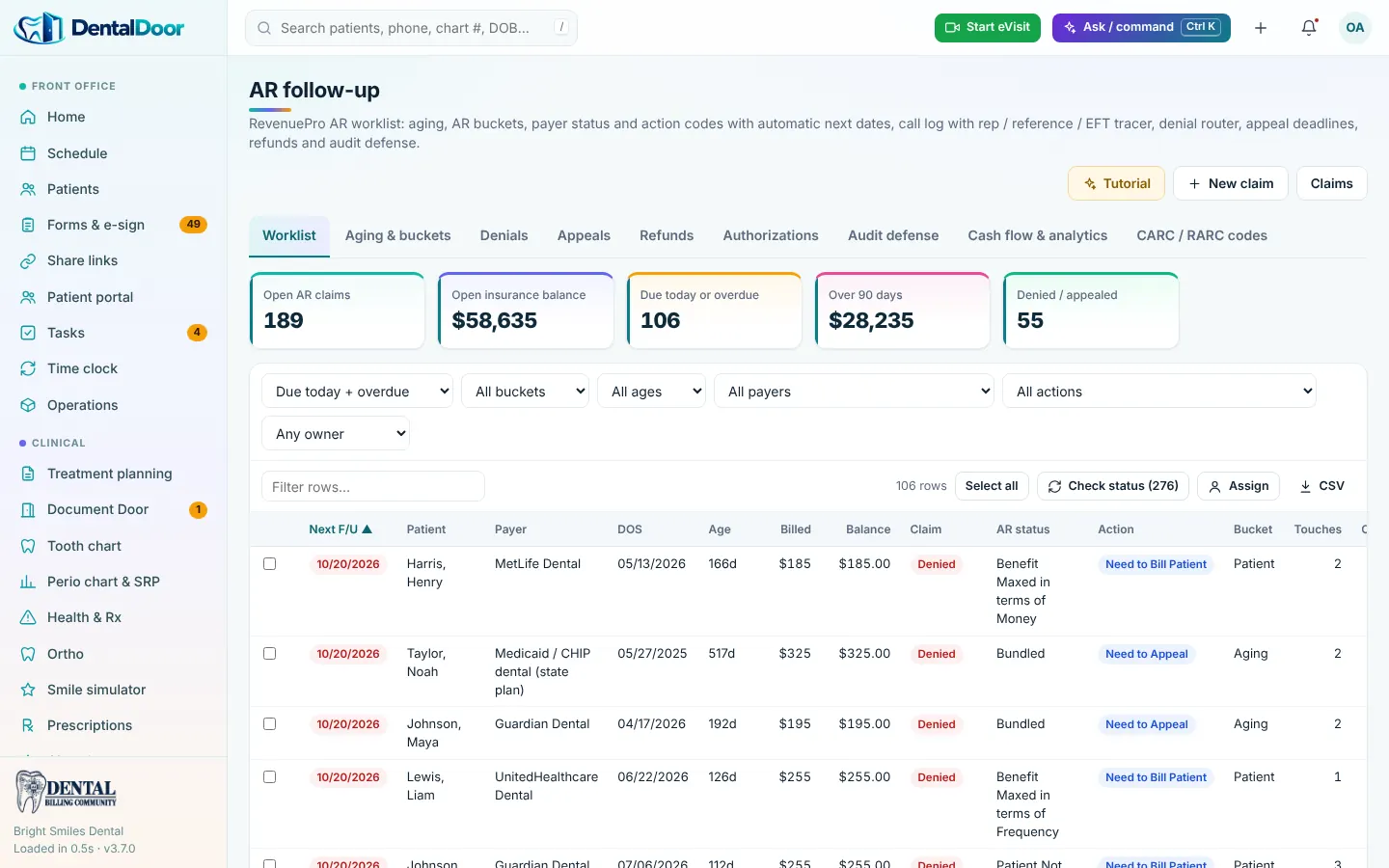
Worklists, 276/277 status, CARC/RARC, appeals.
835 posting, batch EOBs, deposits.
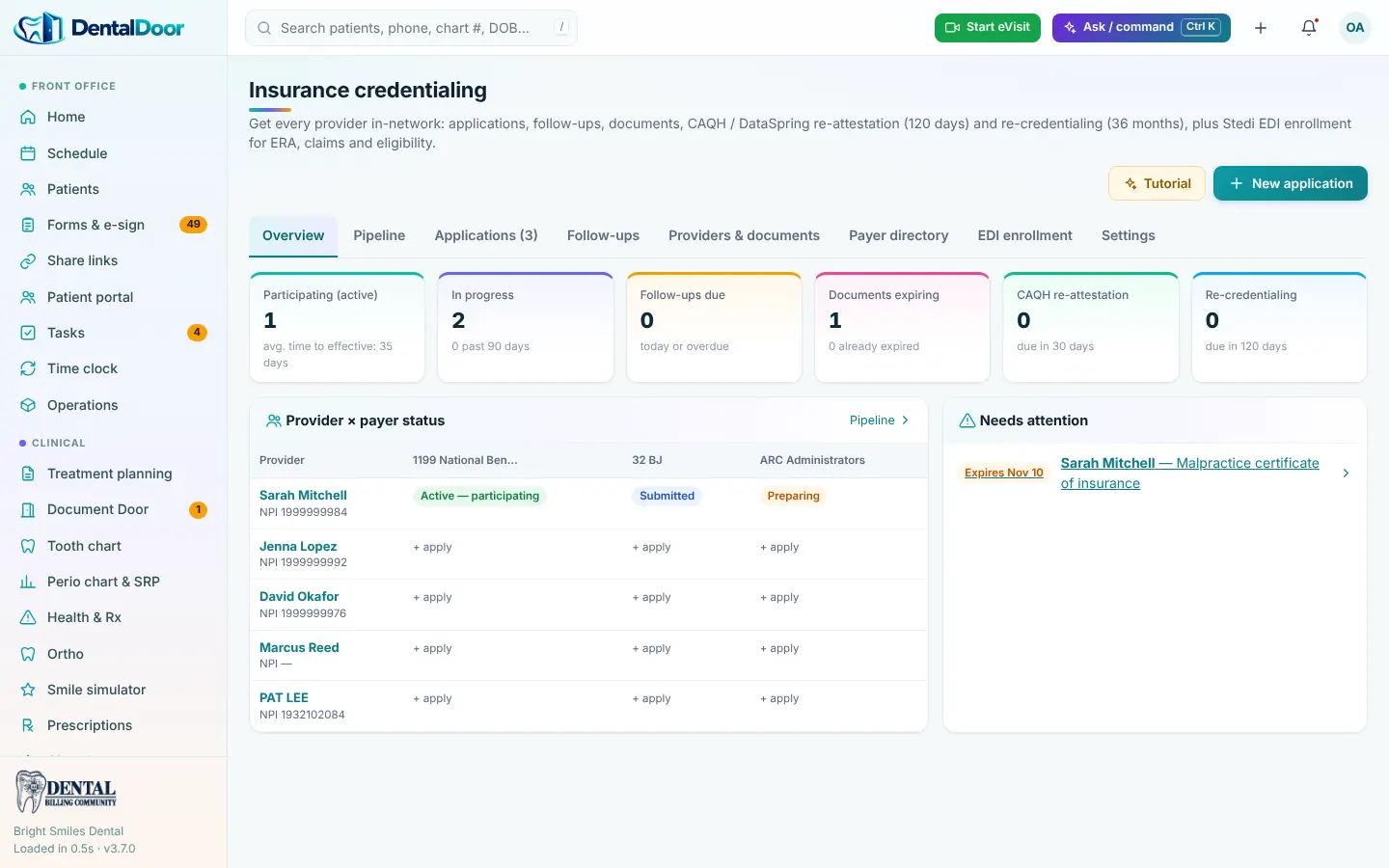
Payer pipeline, CAQH, expirations, EDI enrollment.
Messages, documents, AI checks, statements, pay link.
Health score, huddle sheet, hundreds of reports.
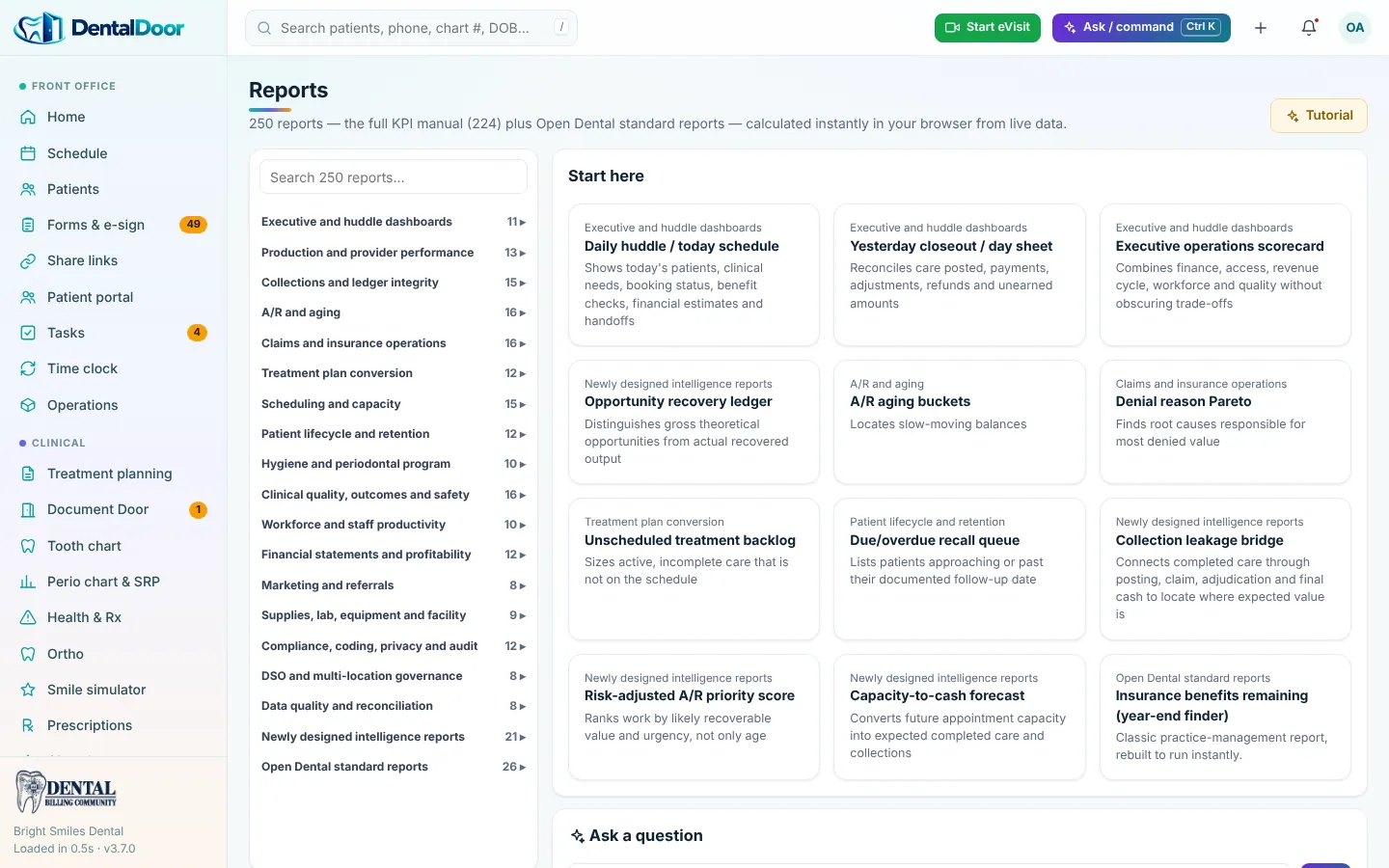
Real screens with demo data. Pick a module.
What flows into DentalDoor, what flows out, and what syncs both ways.
Online booking requests and intake forms from your website land on the schedule and in the chart.
Into DentalDoorConsents, intake and treatment plans signed on a tablet or online are saved as PDFs to the patient folder.
Into DentalDoorMessages, uploads, AI symptom checks and plan acceptance flow both ways between patient and provider.
Two-way syncSnap insurance cards, IDs or outside X-rays with a phone — they arrive in Document Door.
Into DentalDoor270/271 eligibility, 837D/837P claims, 277CA acknowledgements, 276/277 status and 835 ERAs.
Two-way syncProvider details looked up by NPI; credentialing applications, re-attestation and enrollment tracked.
Two-way syncSigned plans, X-rays and documents stored in encrypted patient folders with unique document numbers.
From DentalDoorPatients receive clear statements with a secure page to review and pay their balance.
From DentalDoorTeledentistry visits started from the schedule, documented and coded like any other visit.
Two-way syncDe-identified data goes to the AI for readings, filing and drafts; a person always approves the result.
Two-way syncDental Billing Community billers work verification, claims, AR and denials inside DentalDoor — every note visible to you.
Two-way syncKPI dashboards, huddle sheets and CSV exports for your accountant or DSO.
From DentalDoorUpload an X-ray, a lab report, an EOB or a denial letter — or let a patient upload from the portal or a phone QR link. DentalDoor reads it, matches it to the right patient by account number, date of birth and name, files it by date of service and visit, and gives it a unique document number.
Card authorizations and photo IDs go to locked folders that only permitted roles can open. When the match is not certain, the document waits in “Needs filing” instead of guessing.
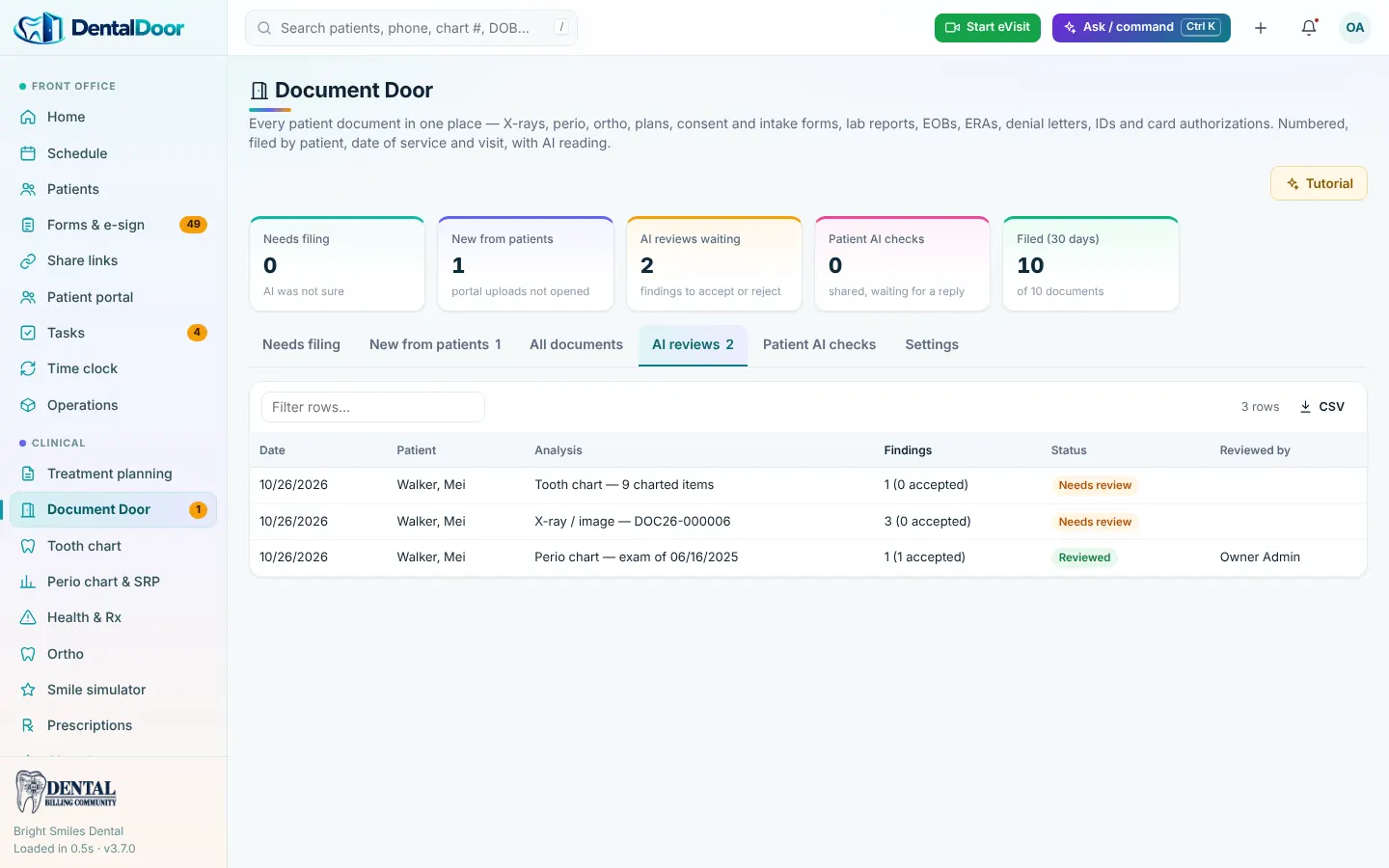
Providers can ask the AI to read an X-ray, a perio chart, the tooth chart, ortho records or an outside document. Findings come back as suggestions with a confidence note; the provider accepts, edits or rejects each one and adds their own notes.
Patient details are de-identified before the AI sees them, and nothing becomes part of the record until a provider approves it.
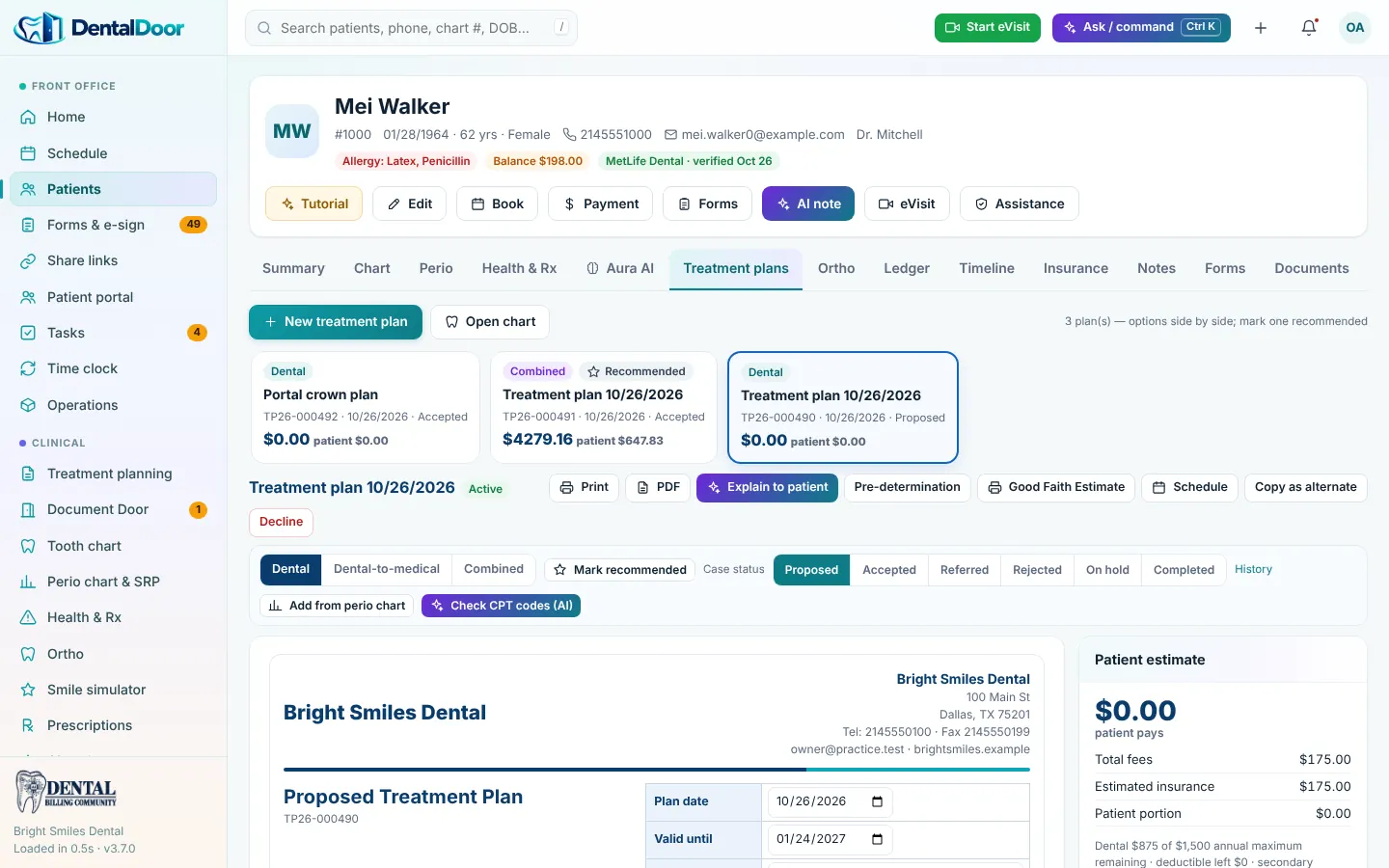
Owners, providers, front desk and billers see only what their role allows.
Card authorizations and IDs are restricted and every open is logged.
Names and identifiers are removed before any AI step; results return to the record only after review.
Numbered documents, encounters and claim notes create a clear history.
Our billers work in your PMS and clearinghouse
DentalDoor worklists organize verification, AR and denials
Monthly KPI reporting
Schedule, charting, billing and documents in one system
Patient portal, e-sign and kiosk check-in included
Our team and yours work in the same record
Thirty minutes on a screen share. A written action plan afterward. No obligation.
Coding changes, payer alerts and new case studies — straight to your inbox.
Join the community